

Prepare for intense action in Roblox Rivals, a thrilling battle royal experience that pits players against each other in a fight for survival.
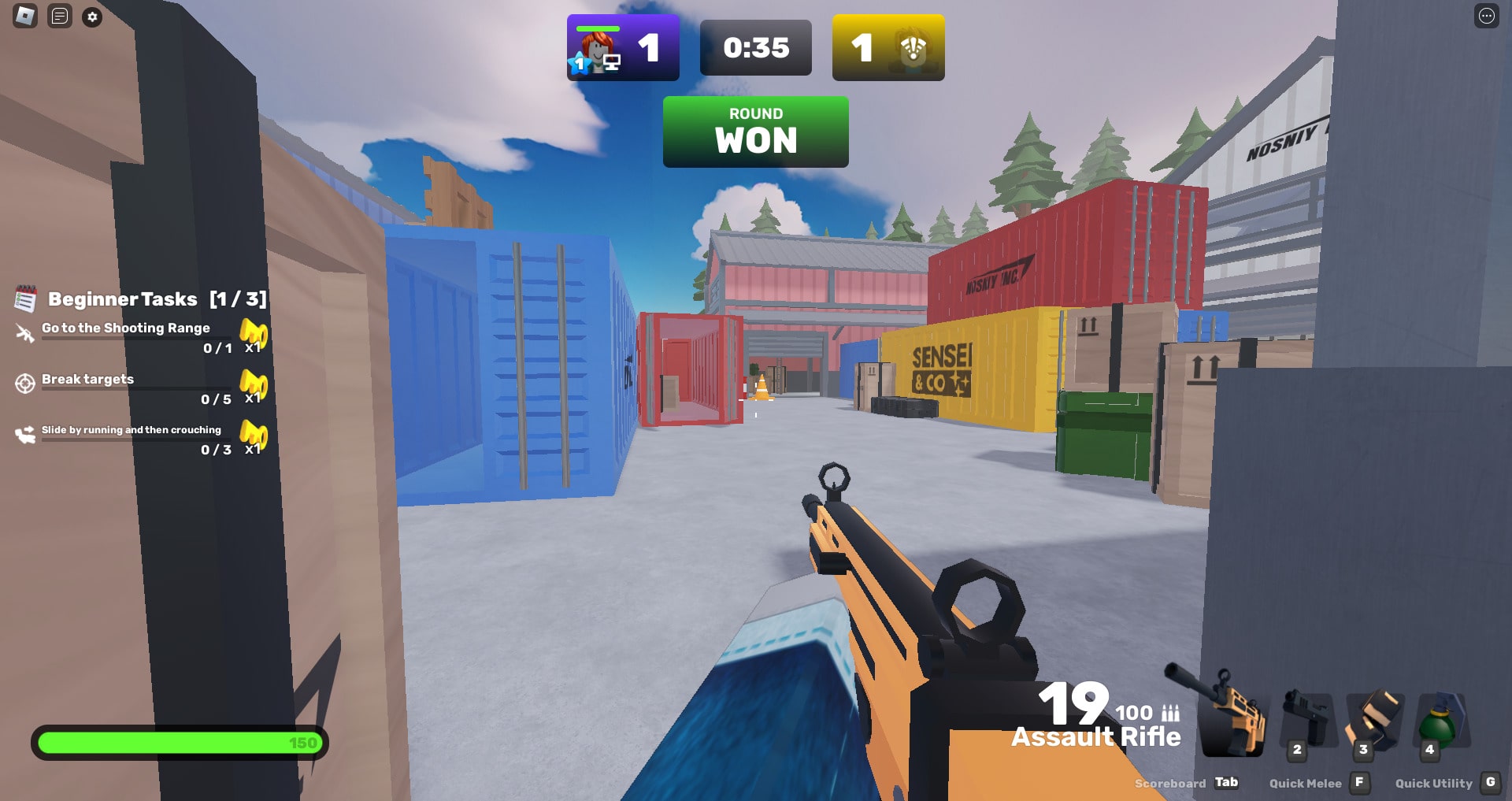
With its intense gunplay, diverse weaponry, and strategic gameplay, it has captured the hearts of countless players as you see in the picture! Now get ready for a complete wiki of Roblox Rivals, we talked about Gameplay, Tips, and Codes.
Roblox Rivals Codes
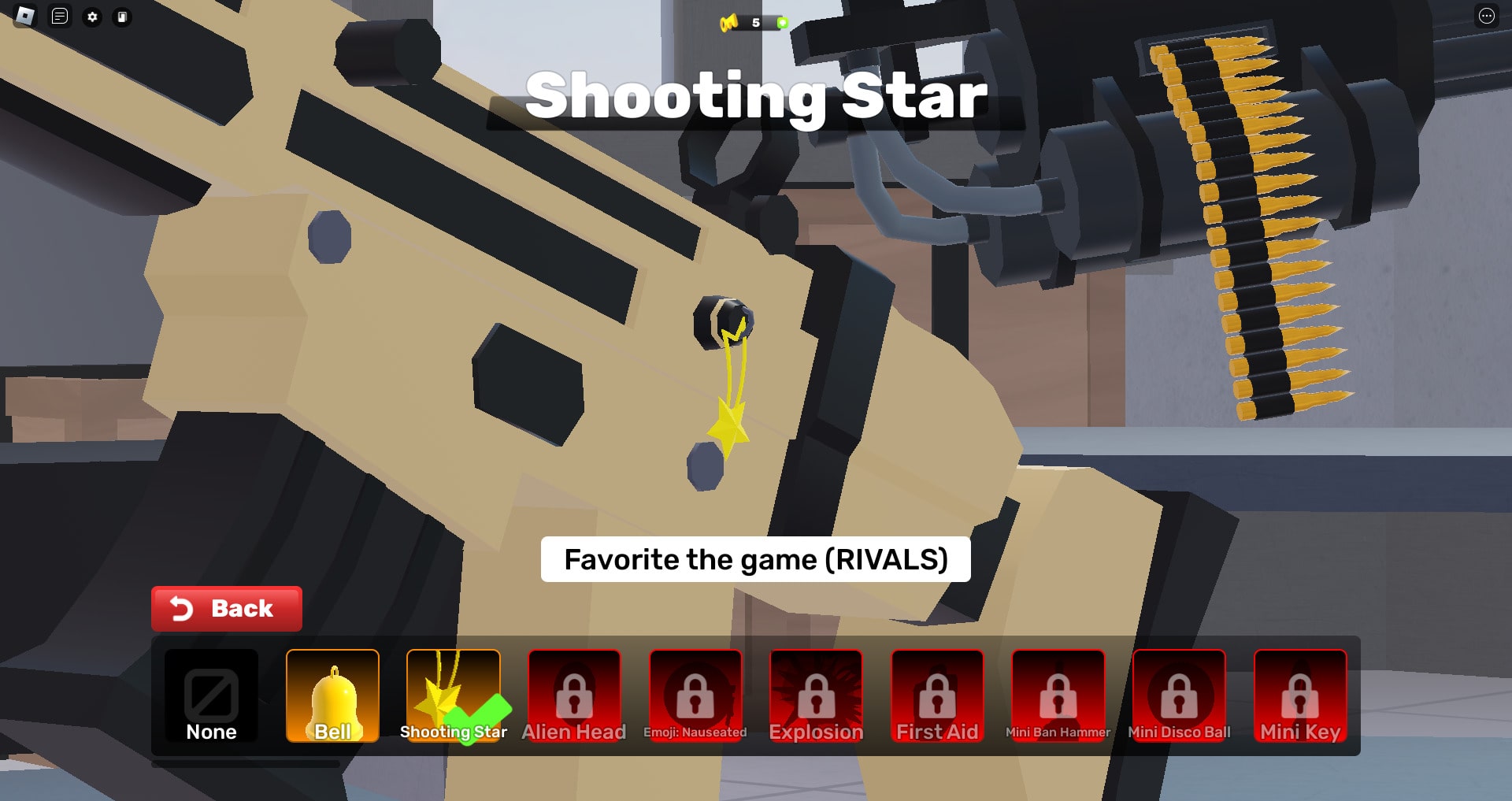
Yes, there are some active codes for you to use in Roblox Rivals. (Last updated on September 1, 2024)
- COMMUNITY5: free Community Wrap (NEW)
- COMMUNITY4: free Community Wrap (NEW)
- SORRY: a community wrap and ten keys (NEW)
- COMMUNITY3: a community wrap (NEW)
- BONUS: one key (NEW)
- 100MVISITS: 100 Million Visits Charm
- COMMUNITY4: Free Community Wrap
Use these codes as soon as possible since they expire quickly.
How to Redeem a Code in Roblox Rivals
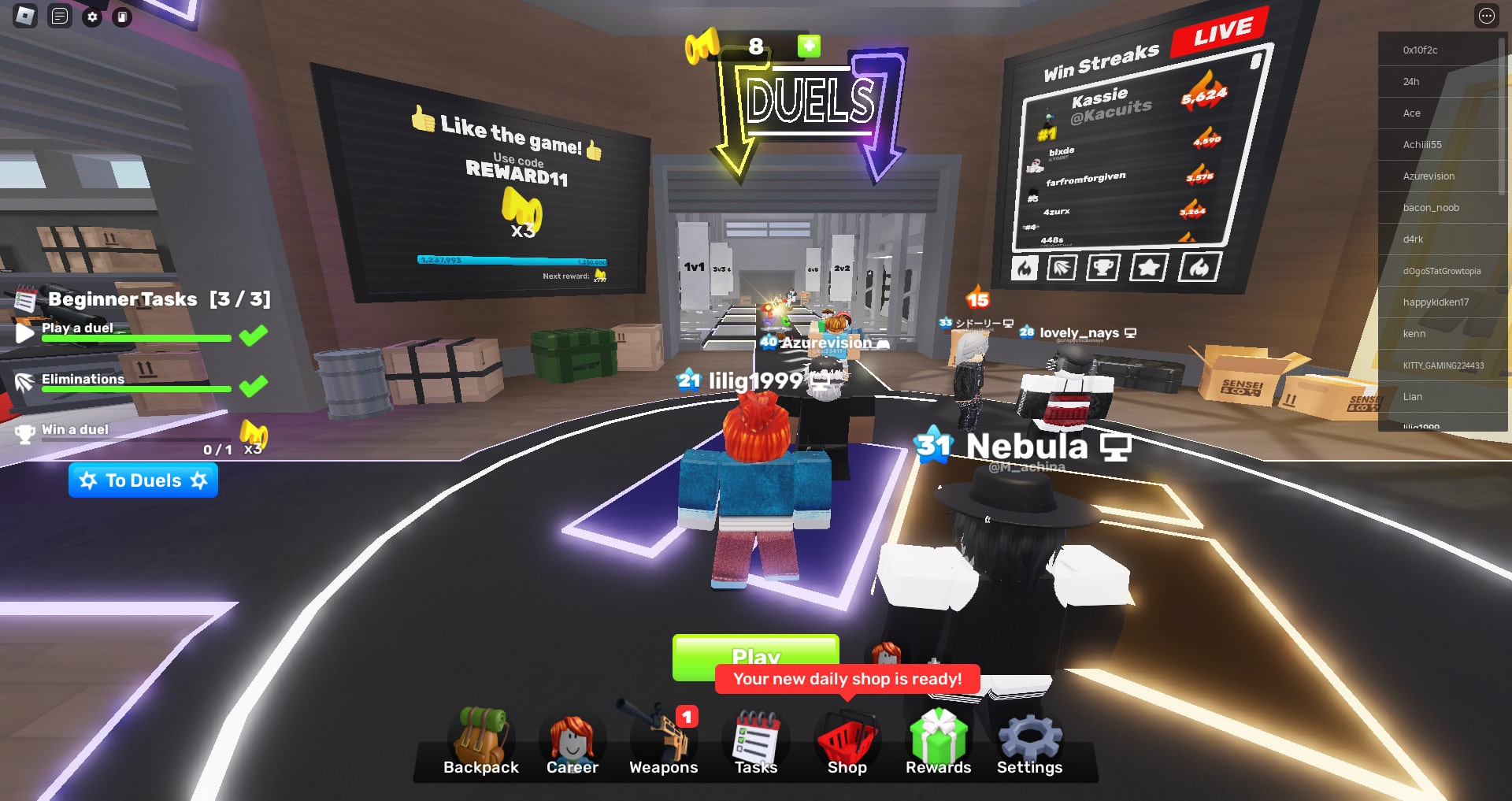
- Open the “Rewards” icon at the bottom of the screen.
- Scroll to the end.
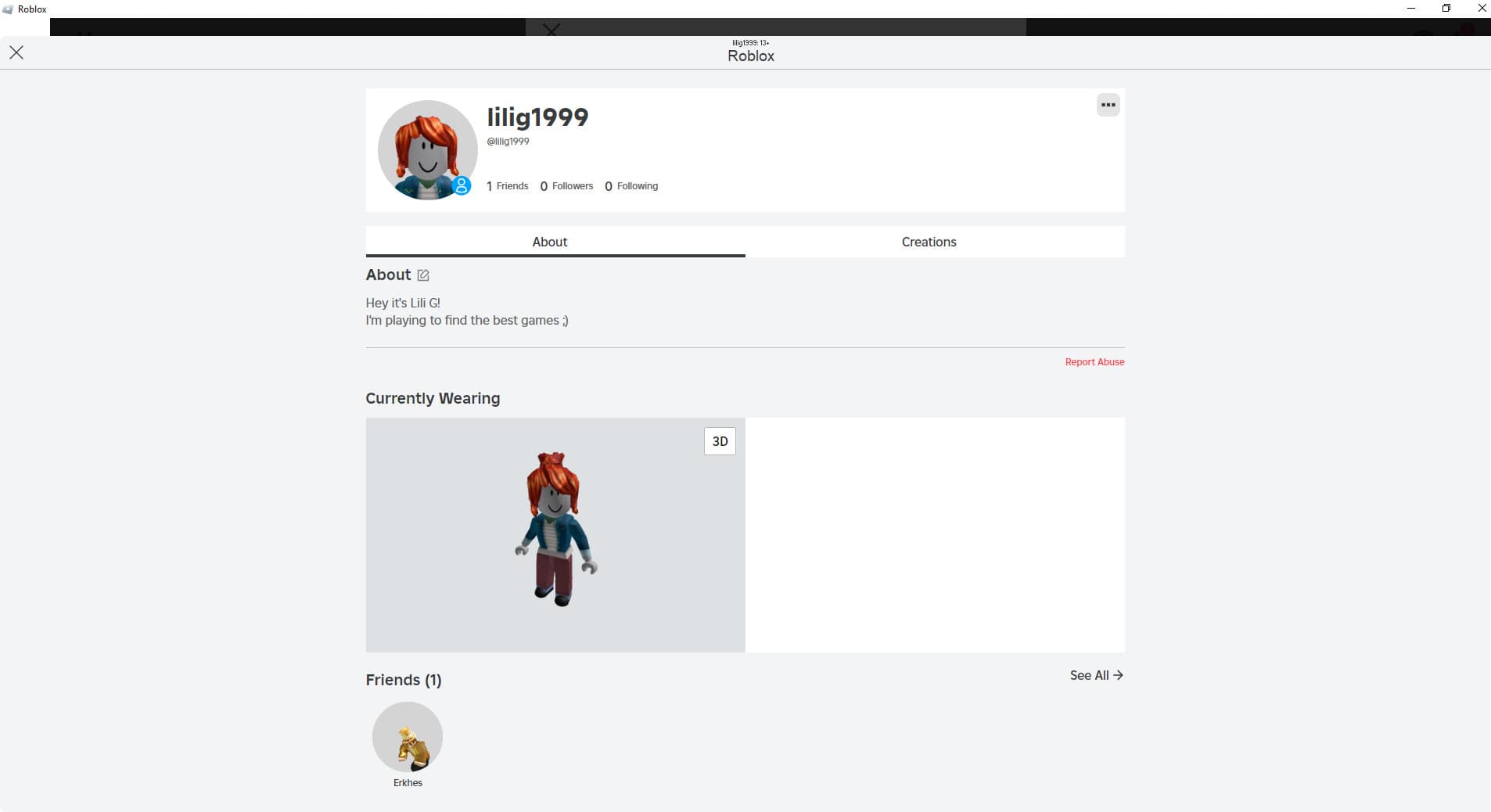
- Now go and follow the developers that are mentioned there, on Roblox. How to do it?
- Get back to the game and now type your Roblox ID in the field.
- Now you can copy and paste the codes we mentioned earlier.
Roblox Rivals Gameplay
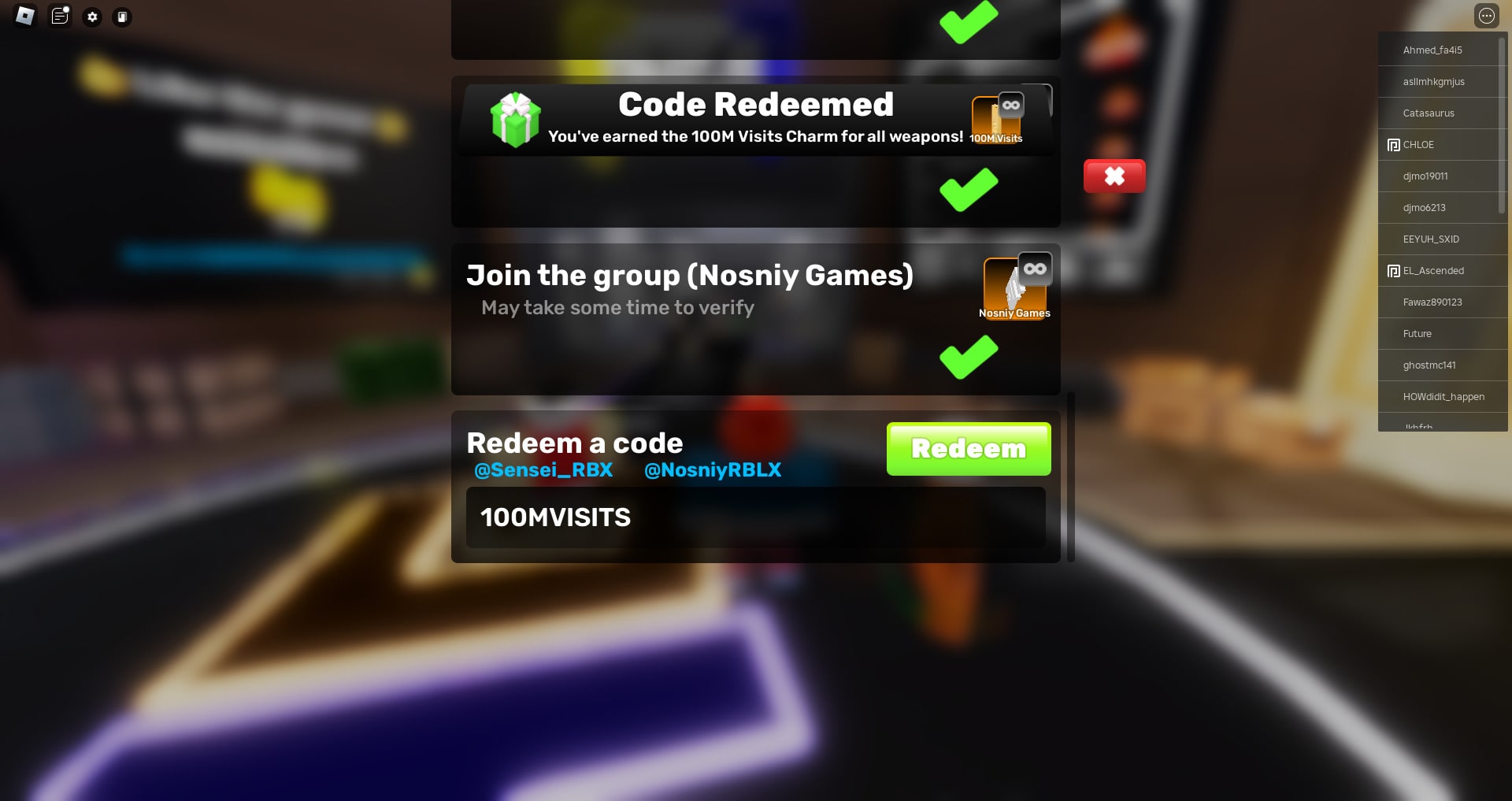
Embarking on your Roblox Rivals journey will immediately immerse you in a world filled with exciting features. From enticing free rewards to competitive Duel fields and a challenging Shooting Range, there’s something for every player.
However, don’t be discouraged by the initial challenges you’ll face. Your weapons and abilities will require honing, and overcoming opponents might seem daunting at first. The game demands strategic gameplay, as you’ll need to successfully eliminate your enemy five times in each match to claim victory.
While the path to mastery may be challenging, the thrill of competition and the satisfaction of improvement make it an undeniably addictive experience.
Roblox Rivals Tasks
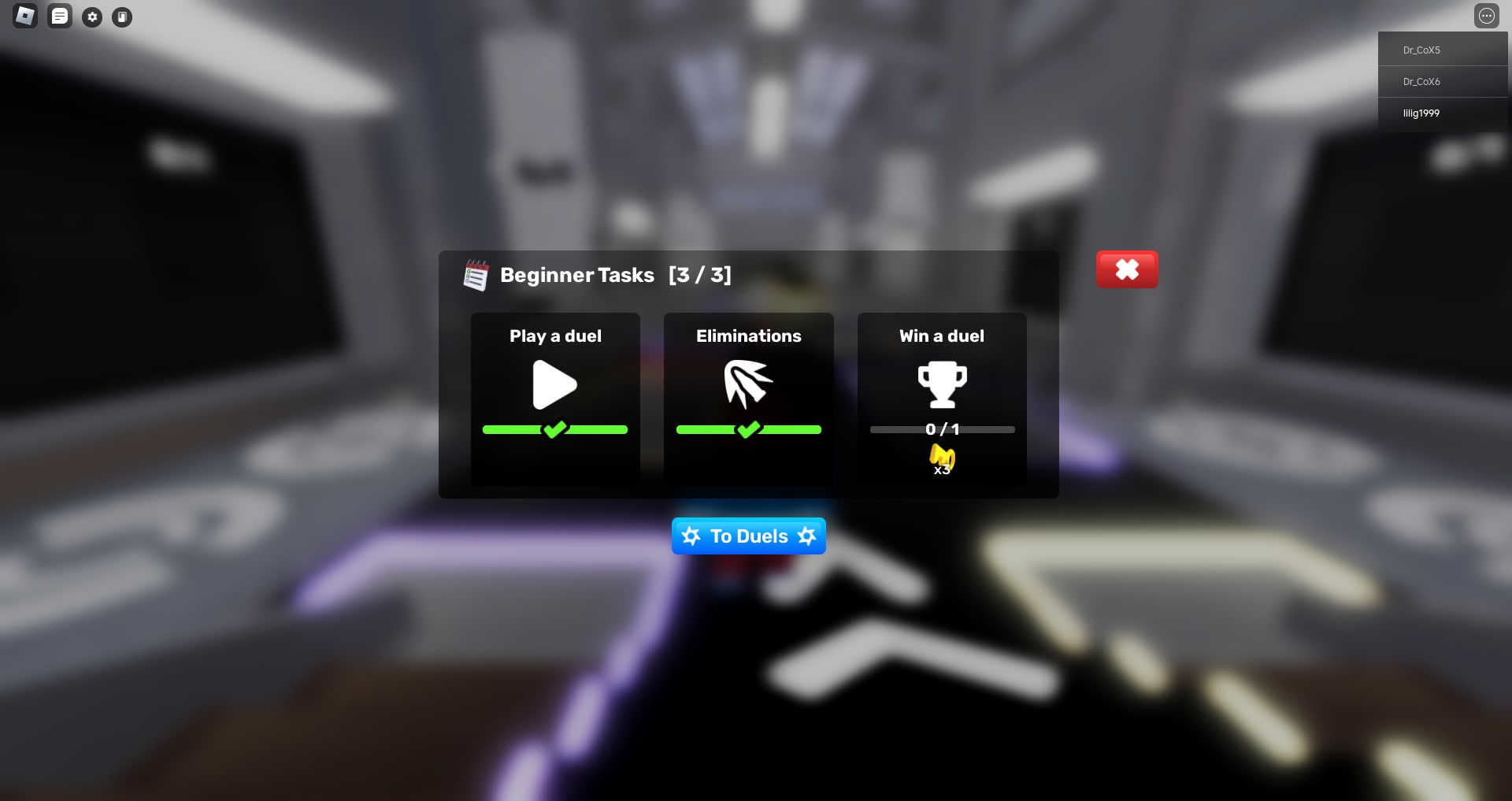
At the bottom of the screen, you’ll see an icon called “Task.” This field requires you to complete various training exercises to prepare you for real combat. These tasks are mostly simple, such as jumping, shooting targets, and using specific weapons. Upon completion, you’ll be rewarded with in-game currency. Some tasks proved to be more challenging. Let’s see how they work!
How to do the Dash With Scythe Mb2 Aim in Rivals
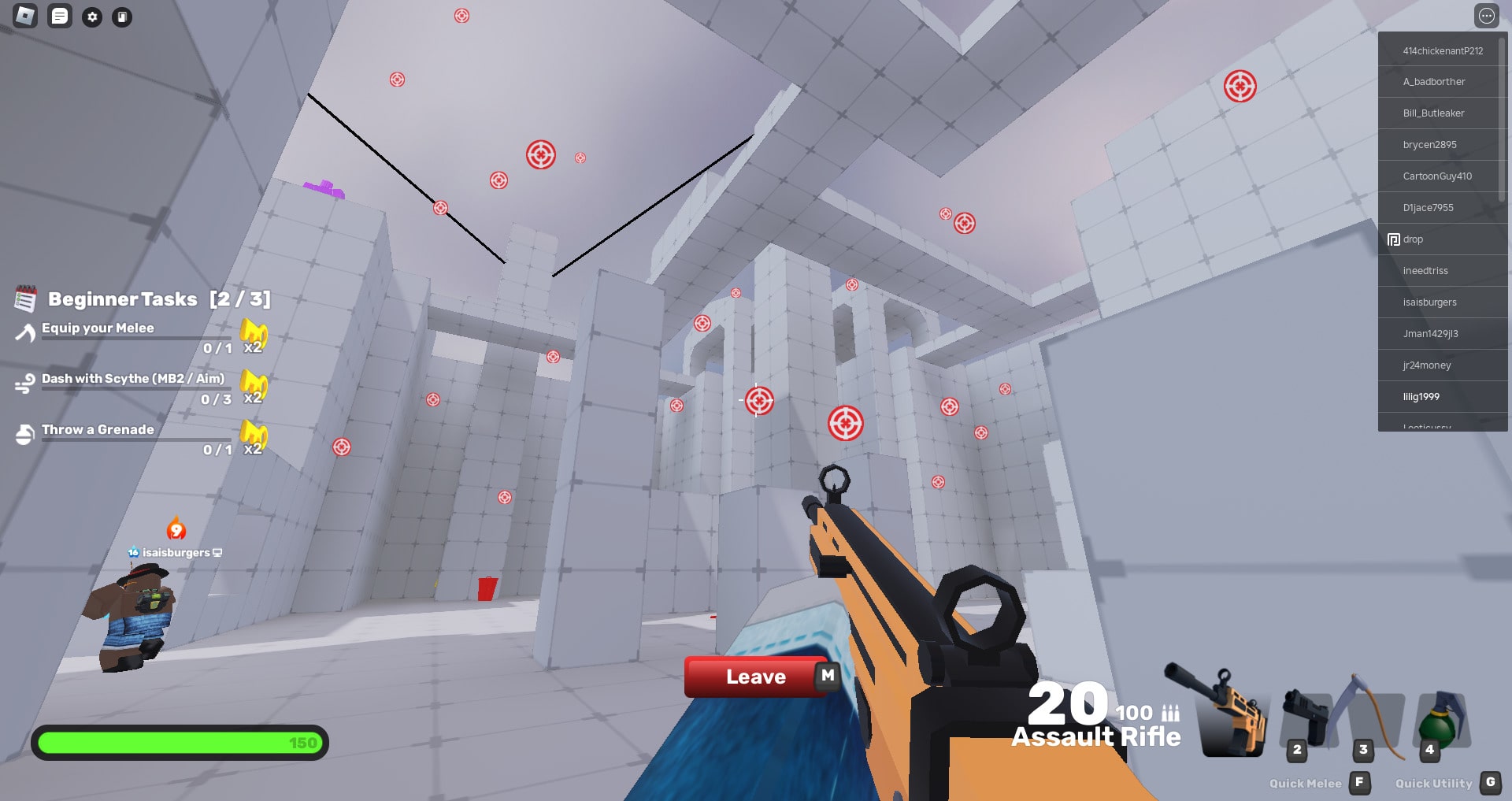
Dash in gaming means to move in a quick way. In Roblox Rivals you simply need to “right click” or press the “E” button. That’s it!
Roblox Rivals Weapons
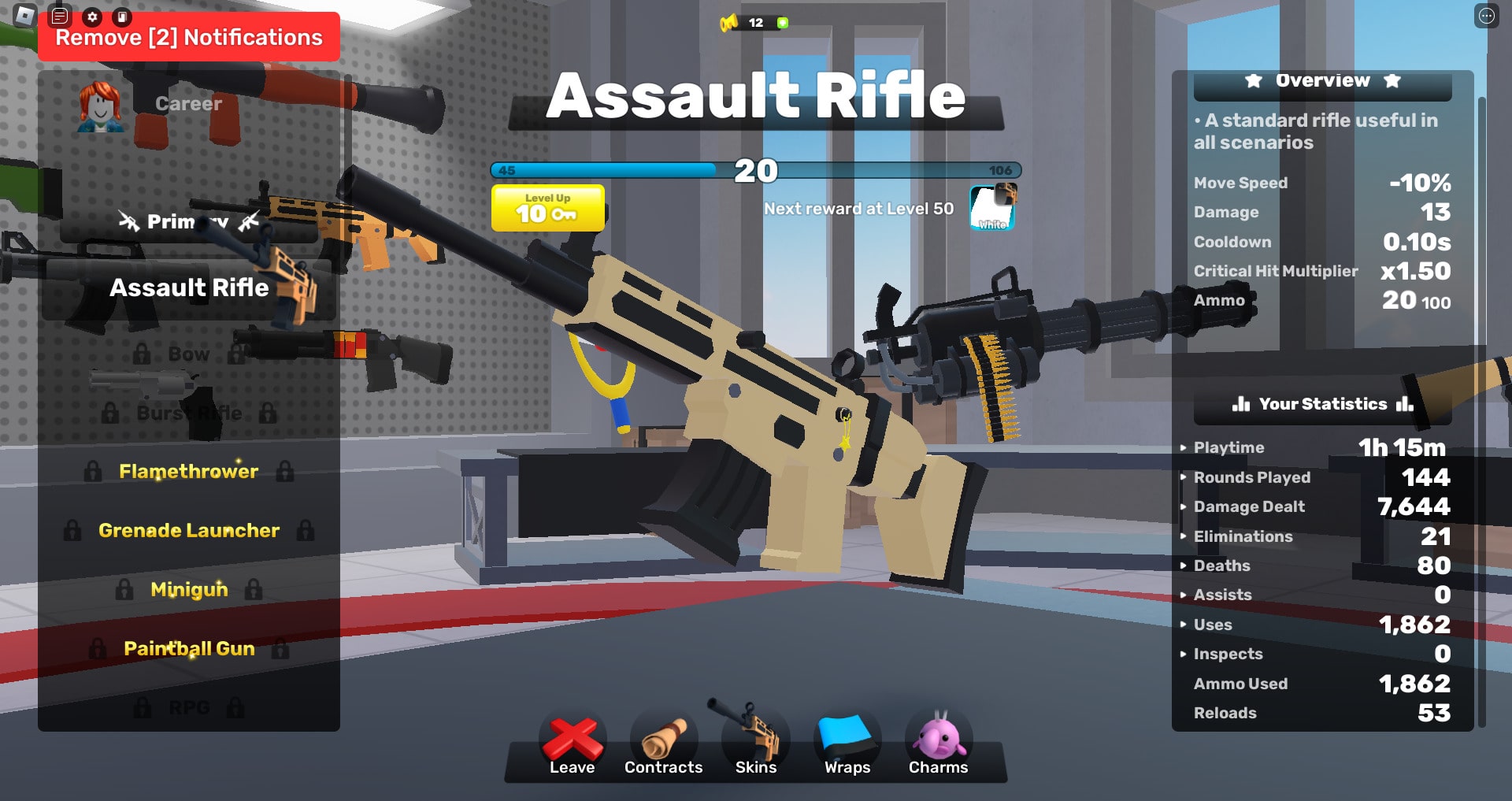
Roblox Rivals offers a diverse range of weapons to cater to different playstyles. Players can equip themselves with classic options like assault rifles for mid-range encounters, shotguns for close-quarters dominance, and sniper rifles for long-range precision.
Some weapons can be acquired by earning in-game currency called “keys.” These keys are typically earned through gameplay, challenges, or other in-game activities.
The premium currency of Roblox, Robux, can be used to purchase weapon bundles, specific weapons, or weapon skins. These purchases often grant players access to more powerful or unique weapons. But keep in mind that the best weapon often depends on the specific game mode, player skill, and personal preference. Experimentation is key to finding the perfect one for yourself.
Roblox Rivals Tips
Are you trying to improve your gaming skills? So here you can find the best tips to use and practice.
- Track enemy movement and positions by the mini-map.
- Find the weapons that suit your playstyle best.
- Switch weapons strategically.
- If playing in a team, Communicate with them.
- Improve your weapons’ performance with upgrades.
- Know when to use each weapon effectively.
Do you have any tips in your mind to add to the list? You can comment it for us😊
How to Follow People on Roblox
- Open the Roblox app
- Click on the “Home” button
- Use the search bar at the top of the page
- Now write the user name you are looking for
- Open the profile and click on the “View full profile”
- Click on the three dots above the page
- Here you can see the “Follow”